Put the main jobs in the main navigation
Layouts, Video, Frames and Background belong in the primary toolbar. They describe what people want to make, so users can recognize the next step without searching through a generic More menu.
Collage Easy / App + website
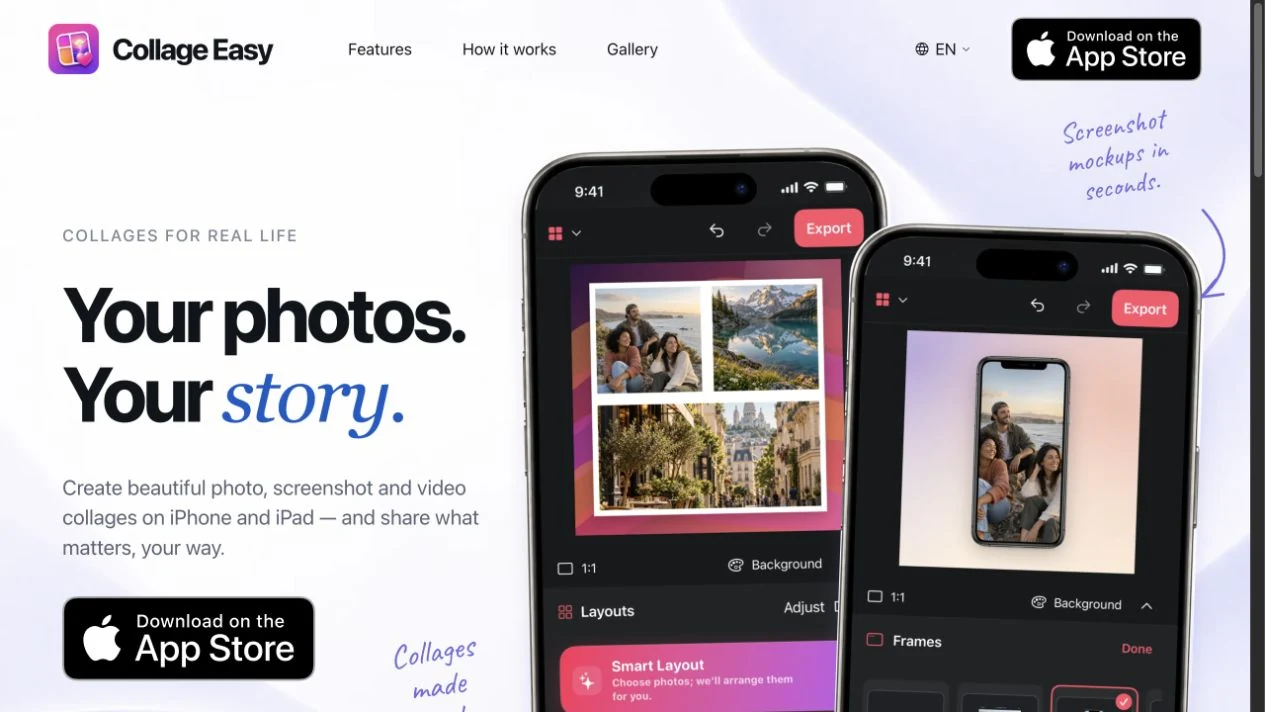
Photo collages, screenshot mockups and video editing in one workspace. I designed the new app experience for iPhone, iPad and Mac, alongside a website that makes the product easy to understand.
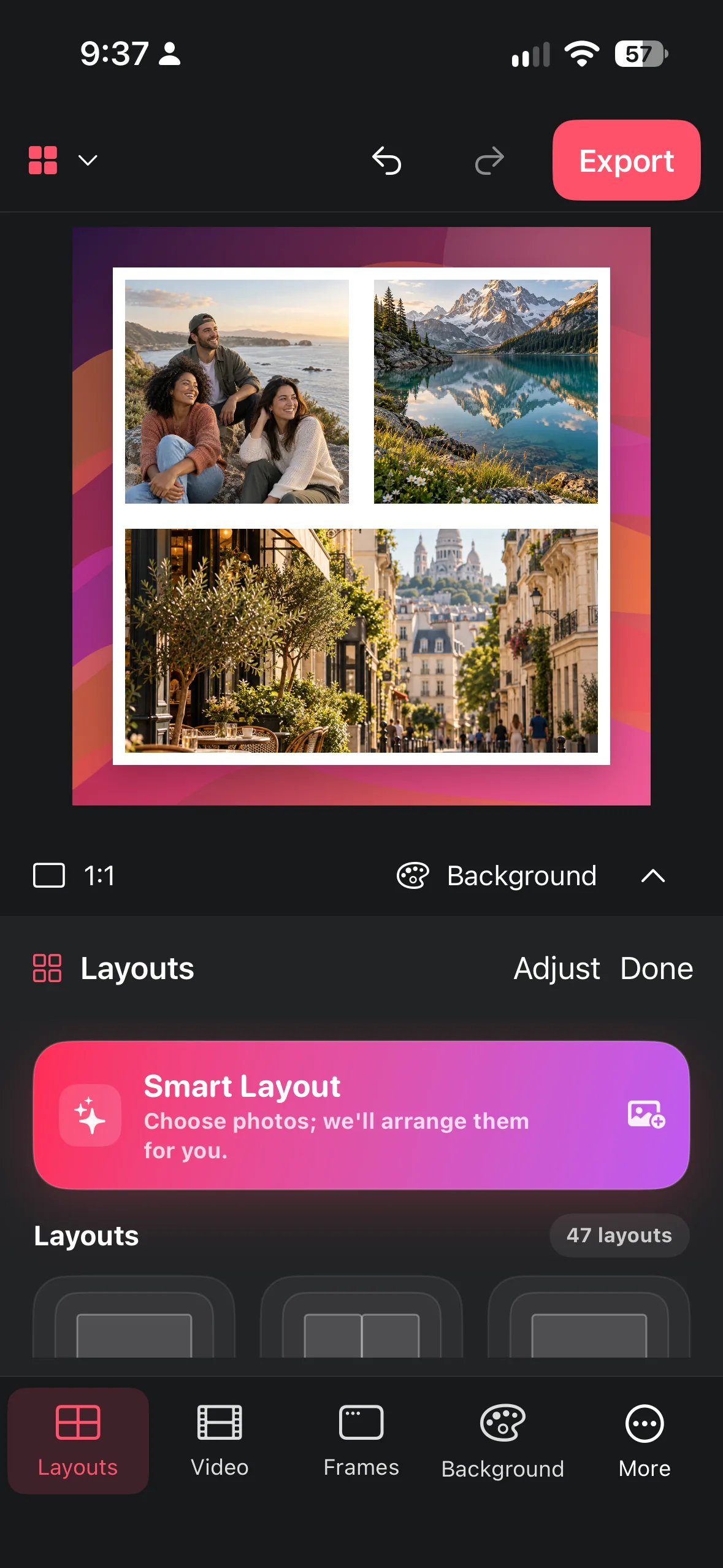
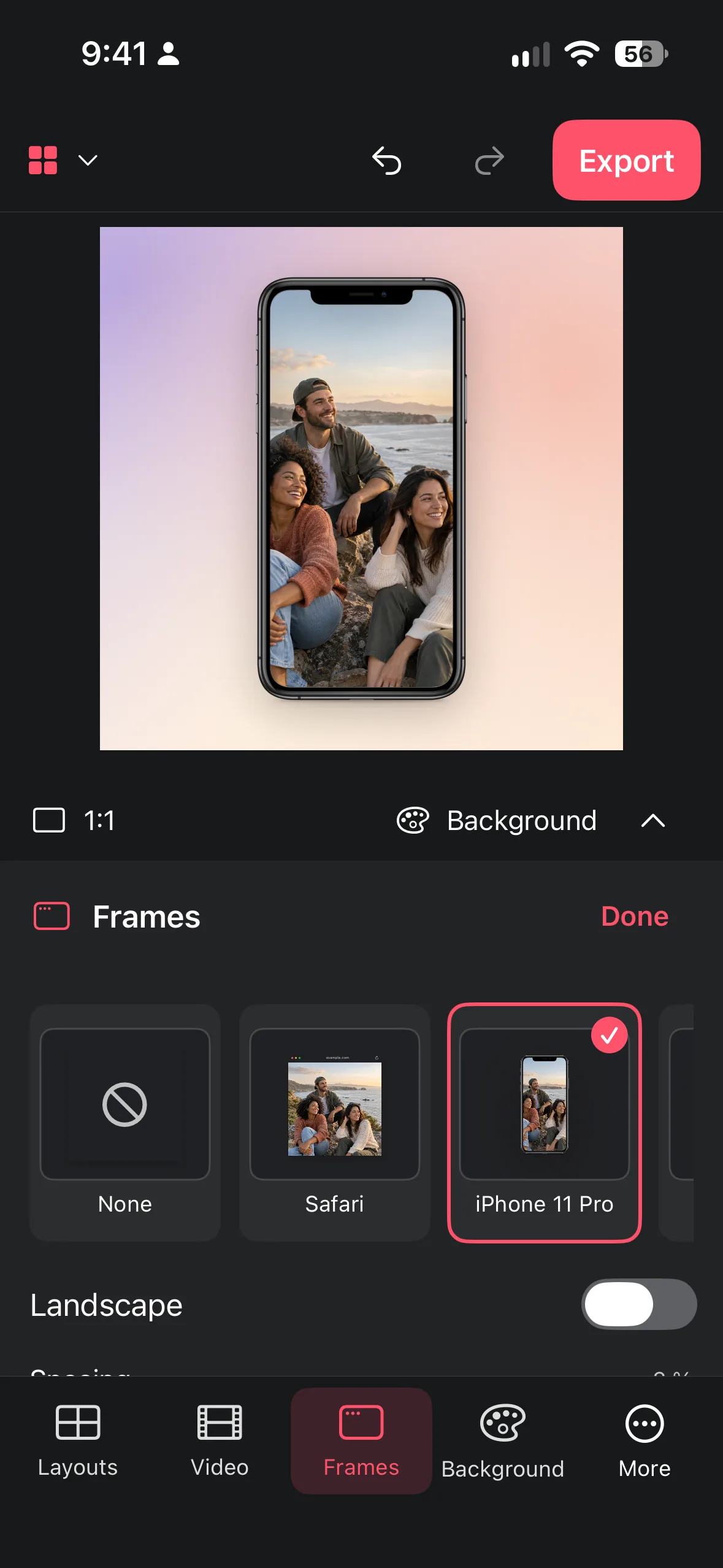
A small display makes every extra control a tradeoff: more tools can mean less room to see the result. The redesign makes the main creative tasks visible, keeps detailed adjustments contextual and preserves a clear route back to the canvas.
Layouts, Video, Frames and Background belong in the primary toolbar. They describe what people want to make, so users can recognize the next step without searching through a generic More menu.
Cropping and image adjustments sit with the selected image. Inserting content starts from the canvas. This keeps specialist controls close to their object and leaves the main navigation focused.
A compact tool panel leaves the composition in view. Labeled controls, a clear selected state and a consistent Done action help people understand where they are and how to return to editing.
Undo and redo stay easy to find, while Export remains a distinct final action. People can compare a layout, frame or background without treating each change as a commitment.
The same hierarchy, selection feedback and panel behavior carry through layouts, device mockups and video. These are real app captures with demonstration content.
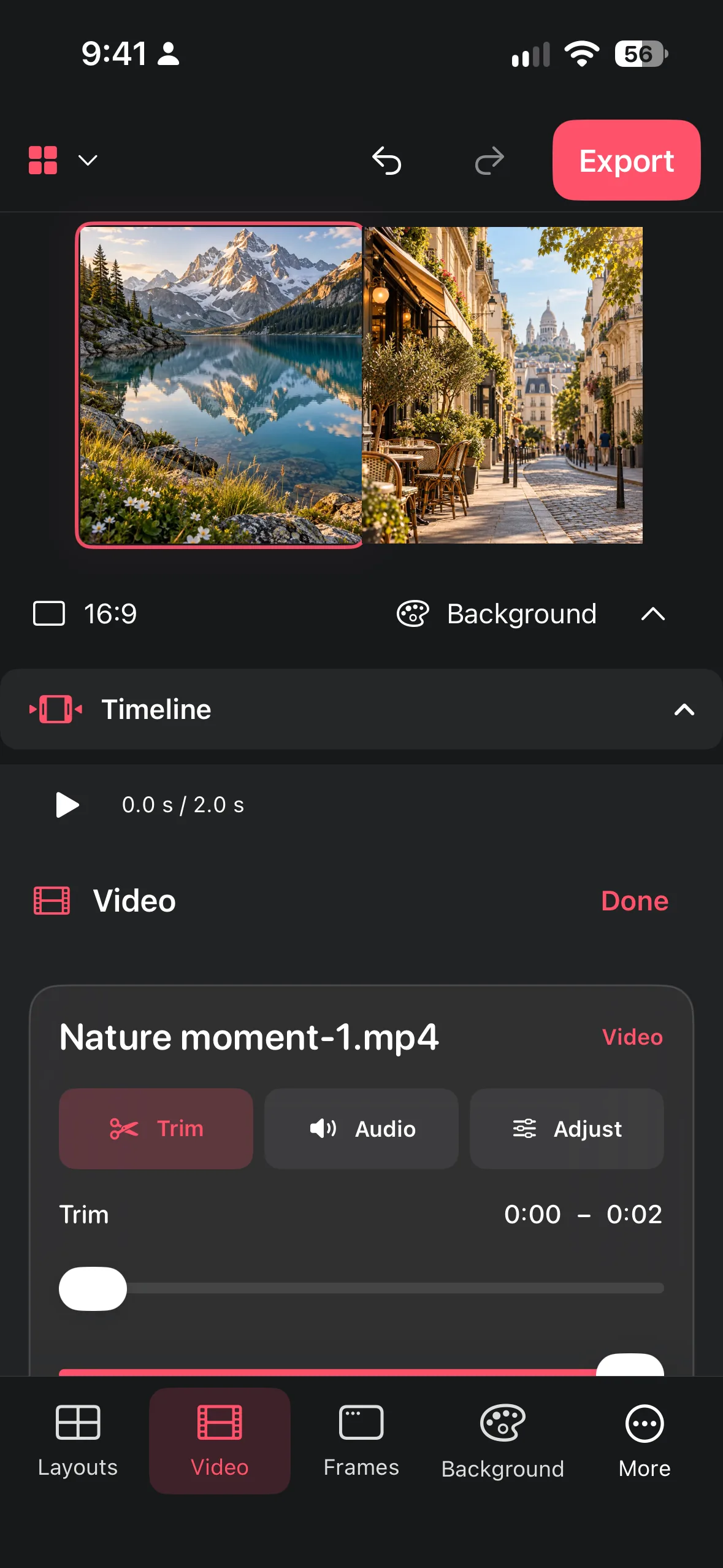
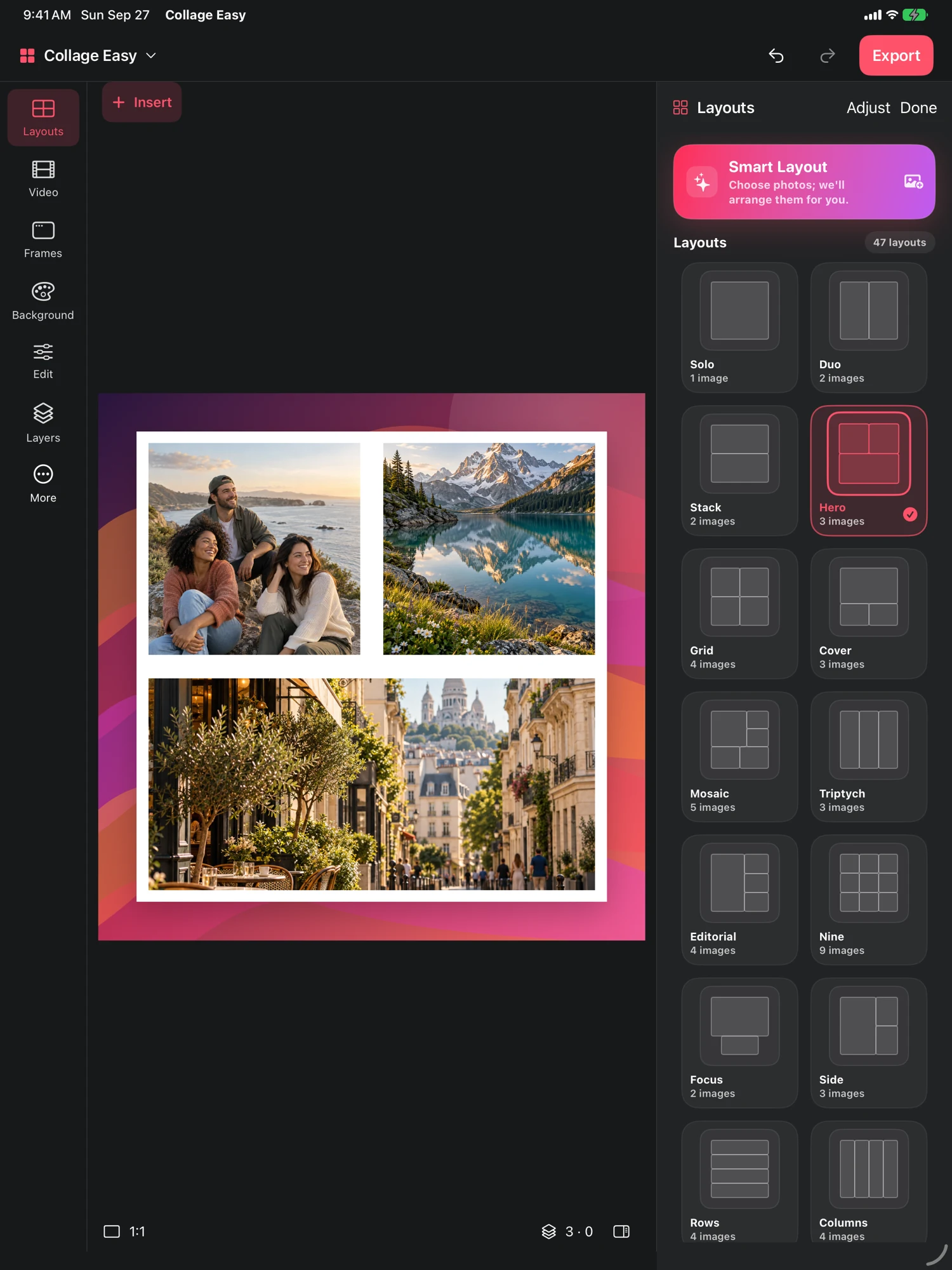
Consistency does not require identical placement. iPhone uses a bottom toolbar and compact panels. iPad and Mac use the wider workspace for a tool rail and side inspector, leaving more of the canvas visible while adjusting a composition.
The design work spans information hierarchy, touch interaction, visual feedback, reusable UI patterns and localization. A recognizable accent color and selection language connect the surfaces without turning the phone into a miniature desktop.

The new Collage Easy website brings the same product story to the web: make a collage, present a screenshot or create a video. Real interface previews, short feature explanations and a clear App Store route connect discovery with the app.
Responsive layouts and naturally localized copy make the experience work across screen sizes and languages. Feature guides give each creative task a useful entry point.
A prompt field and a result image do not make a viable AI product. Every action can carry variable provider cost, sensitive user content, upload latency, safety rejection, timeout, rate limit or entitlement ambiguity. The experience needed to remain understandable while the backend enforced rules the client could not safely own.
The flow must stay focused on editing and export rather than exposing infrastructure complexity.
Feature-level limits and pricing have to protect margin without making usage feel arbitrary.
Provider secrets stay off-device, while analytics excludes user photos, prompts and image content.
Temporary provider errors, timeouts and safety rejects require clear states and appropriate credit refunds.
The client explains access and progress. The server owns hard usage limits and provider credentials. The product decides which failure states consume a credit and which must reverse the charge.
Keep the core editor useful for free, add Pro entitlement for ongoing value and use consumable credits for variable-cost AI actions.
Use feature-specific allowances instead of one global number because provider cost and perceived value differ by action.
Pair client-side guidance with server-enforced D1 quotas so a modified or stale client cannot bypass policy.
Default to a lower-cost 1024 by 1024 processing mode and cap expected feature cost relative to its price budget.
Refund usage on safety rejection, rate limit, timeout and temporary provider failure when no usable value is delivered.
Grant credits idempotently from the StoreKit transaction ID so a repeated transaction cannot duplicate value.
A server-side kill cap limits unexpected provider spend across the product.
A daily per-installation cap narrows abuse while preserving legitimate paid use.
The funnel can measure feature selection and collage export without sending photos, prompts or image contents.
The app receives a product result, not direct authority over the external provider account.
AI-system decisions documented from product and backend implementation. No conversion or revenue result is claimed.
Collage Easy combines the creative workflow with access rules, pricing, cost protection, privacy, failure recovery and measurement across iOS and Mac Catalyst. The outcome is a product that can be operated and evolved, not only a technically impressive interaction.
People can understand why an action is available, what it costs and what happens when processing fails.
Feature quotas, global limits and server policy create controllable cost boundaries.
Client, backend, store and provider each own the state they can enforce reliably.
Track whether successful AI edits improve creation completion, export and repeat use, not only feature taps.